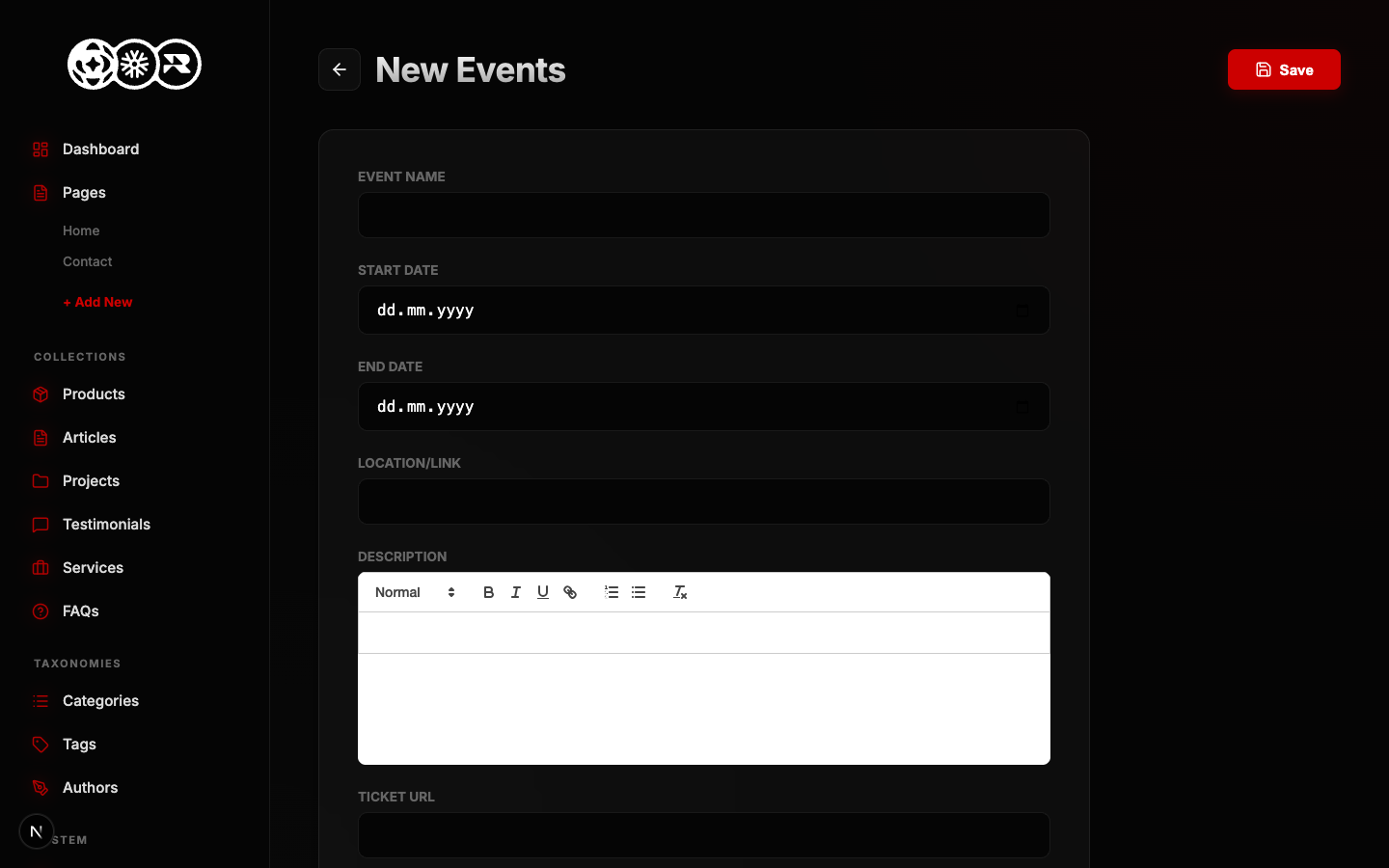
Managing Events
You can update any existing Events entry. Changes you make here will instantly propagate to the live frontend once saved.
Step 1: Locate the Entry
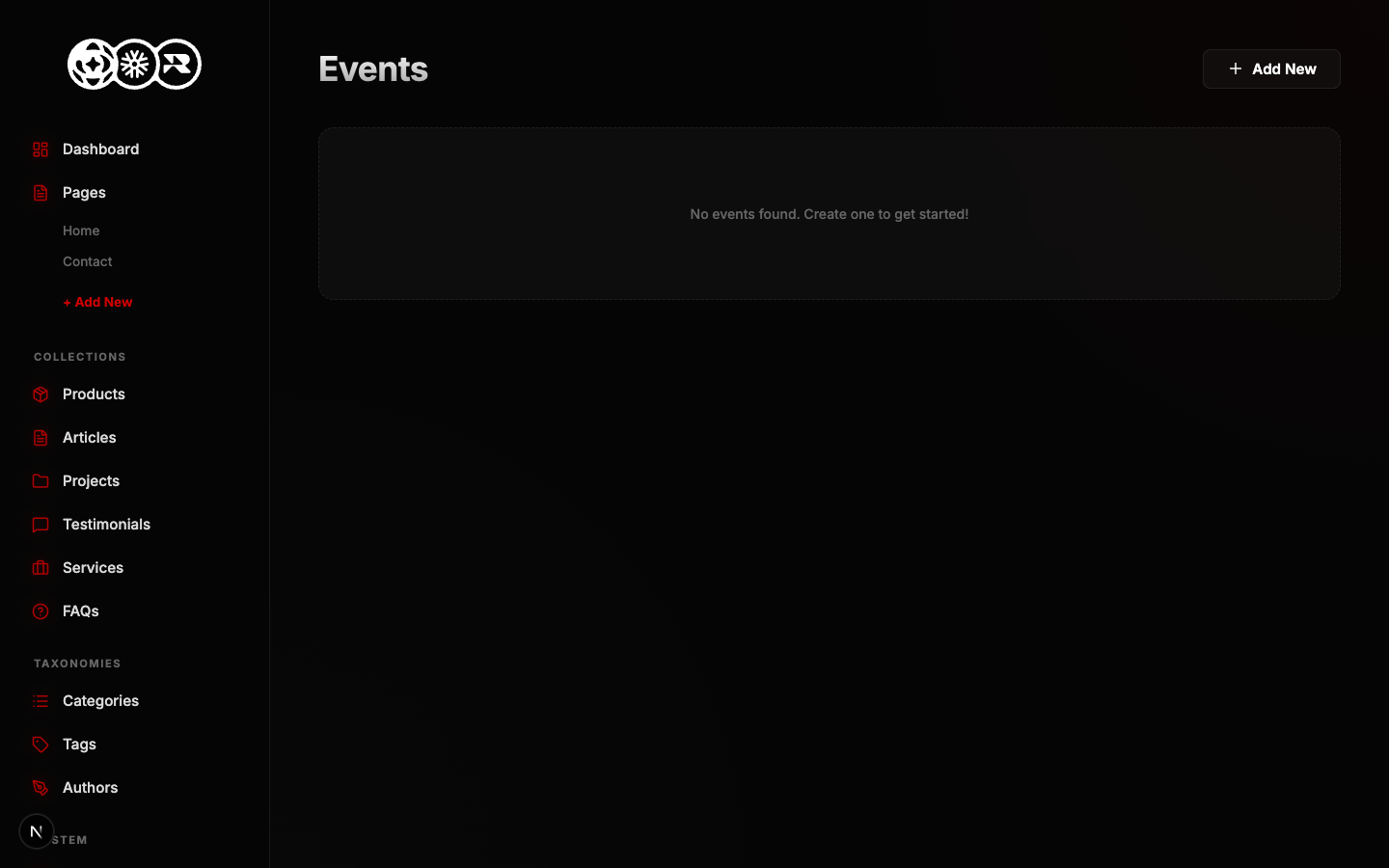
In the list view, locate the item you want to edit and click the pencil icon.
Step 2: Update Data
The form will open pre-populated with the current data. Make your changes and hit save.