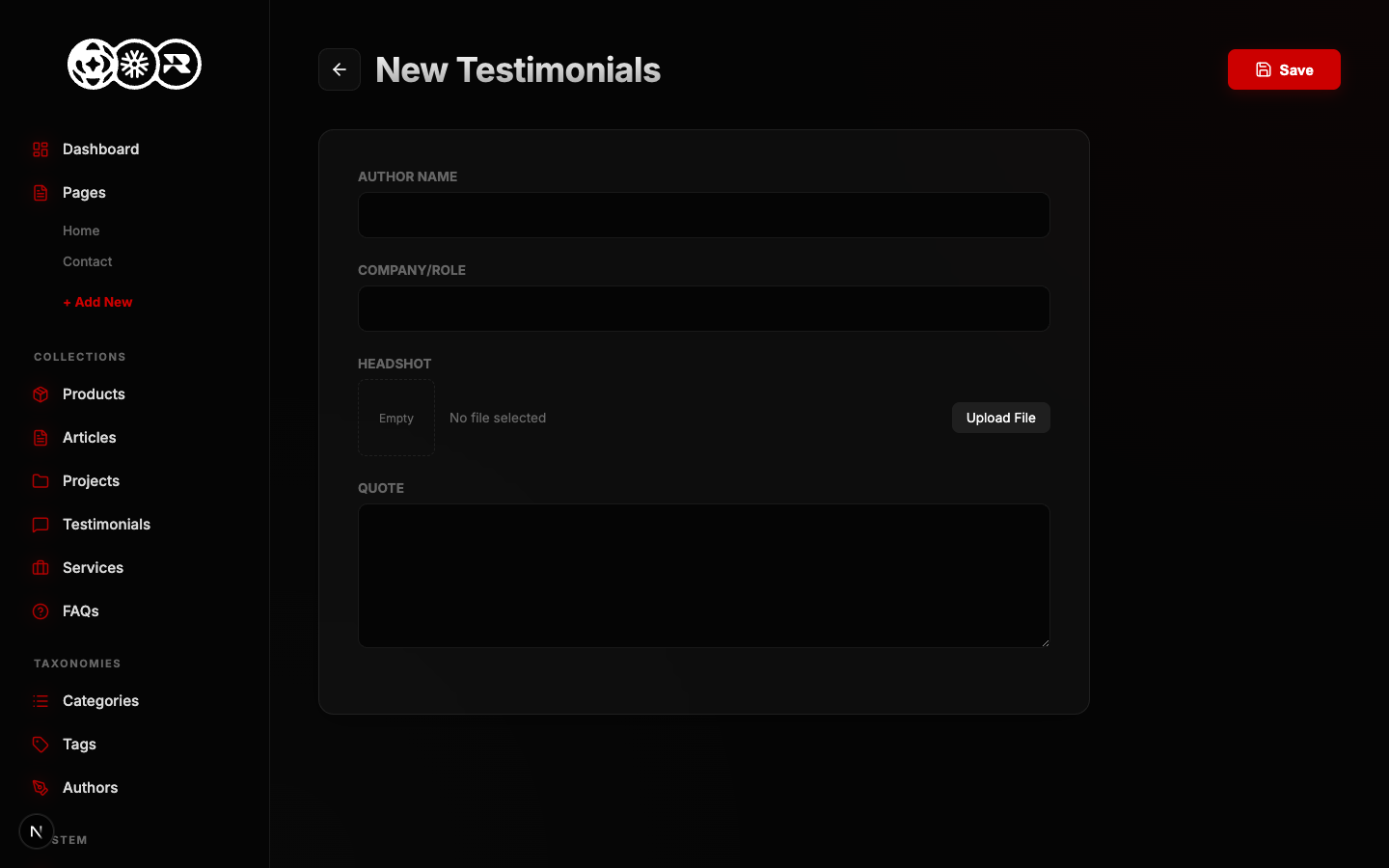
Adding Testimonials
Learn how to add a new entry to the Testimonials collection. This form is dynamically generated based on the schema configuration.
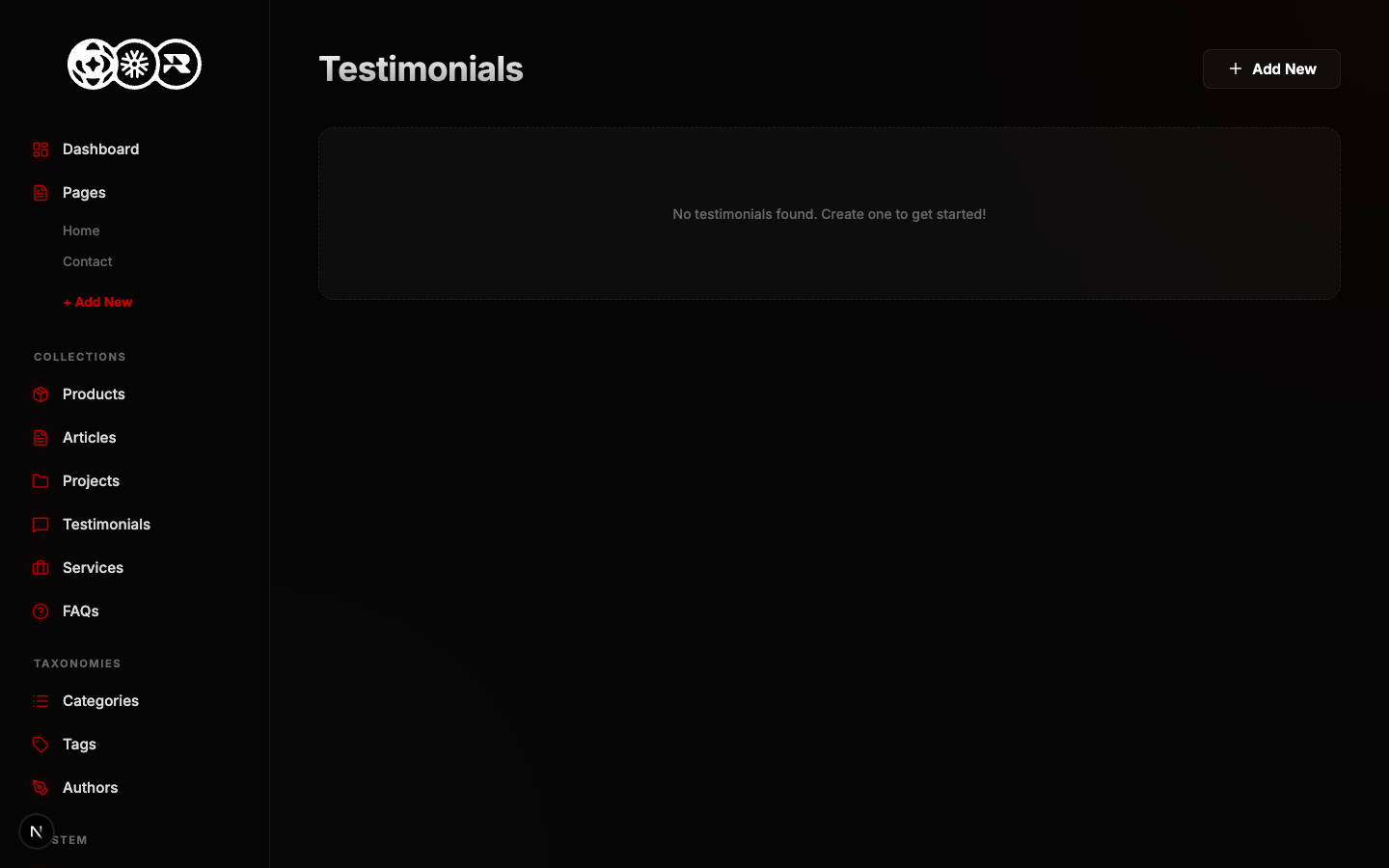
Step 1: The List View
Navigate to the Testimonials tab in your sidebar. Here you will see all existing entries. Click the + Add New button.
Step 2: The Data Form
Fill out the following required schema fields:
- Author Name text
- Company/Role text
- Headshot image
- Quote textarea